
Tried installing the high-score kit, game would not boot properly.
Possible that the kit is defective?
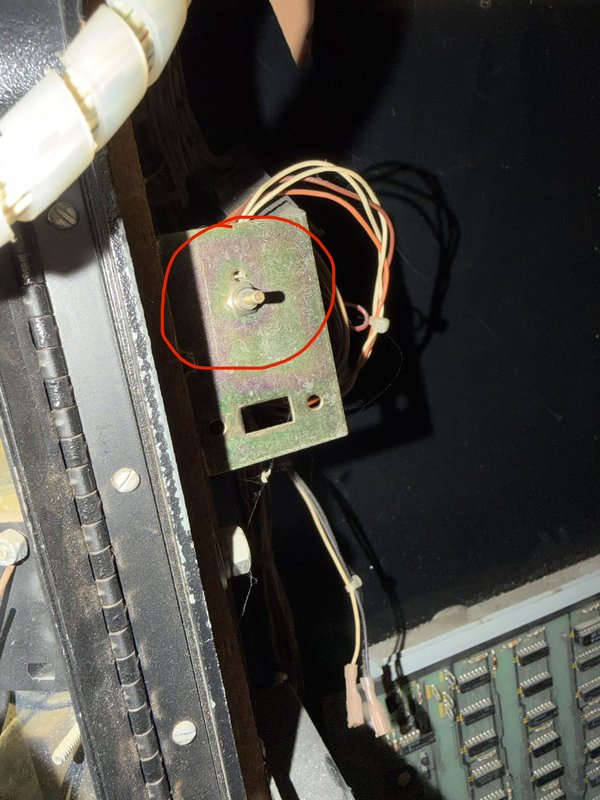
This dial controls the game volume. I turned it up.
Website: https://highscoresaves.com/Centipede-Free-Play-and-High-Score-Save-Kit/SW10066.5
Manual: https://www.highscoresaves.com/media/c9/eb/d0/1758926890/how-to-install-centipede-free-play-and-high-score-save-kit.pdf?ts=1758927049
Oliver and I tried installing the new high score/WiFi module. Game would not boot properly with module installed. Reverted back to just the CPU and the game is working as expected
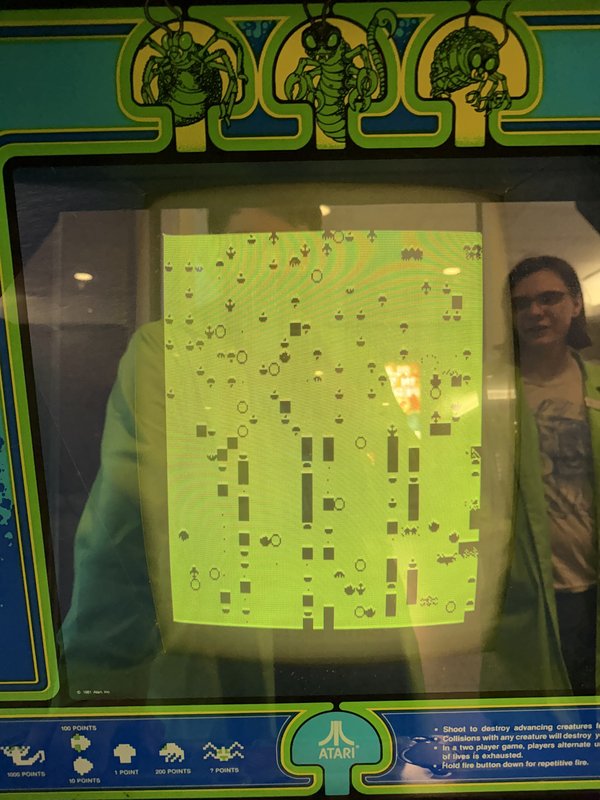
Cleaned out the peaky dead bugs in the machine. Wiped down the front glass and monitor while I was at it. They were dirty!
To access/remove the front glass, open the back of the machine and undo the latches on either side of the control panel toward the front of the cabinet. The control panel will rotate down and you can carefully remove the glass. Use rubber triangles for the glass as we would for playfield glass. Remember to re-latch the control panel in place when done servicing the game.
Closed problem report
Coin slot stopped working again, I added another coin mech to the right slot and put tape over the left one and replaced the burnt out light for the right coin slot. Hopefully NOW its good 🤞🏻
I cleared the jammed coins in the return and pushed the black lever piece up all the way. It is taking coins successfully now without jamming. Hopefully it is good now!!