
The Rigol oscilloscope crashes when placed in X-Y mode. This is unfortunate. I may have been able to play the game on the oscilloscope screen. 😂
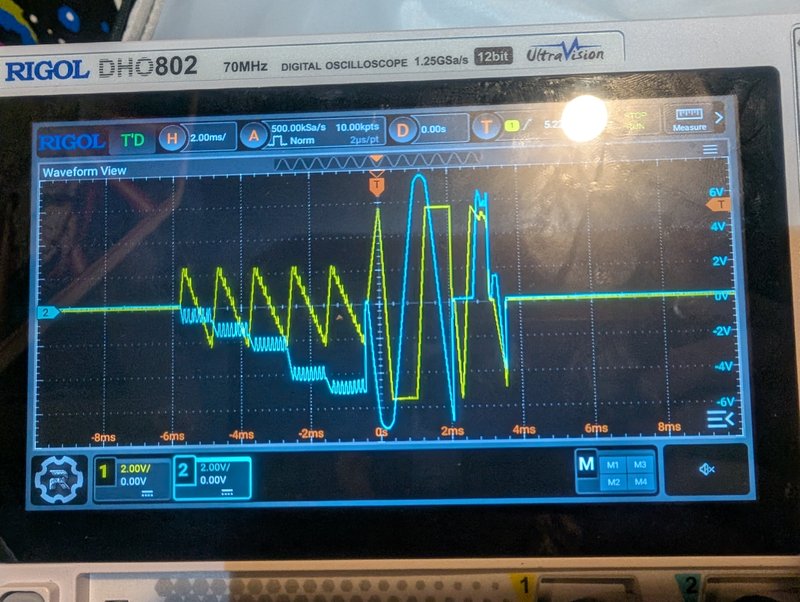
Checked the X and Y vector outputs between the PCB and the monitor. Voltages appear valid, spanning both positive and negative. See attached photo. Ch 1 is X l, 2 is Y. I’m 99% certain the problem is in the monitor, not the game PCBs.
Searching online, two power transistors and a resistor may be bad, and that can be isolated because we know which half of the screen is dead. However, I’m told it may be better to send this out for professional service, considering the high voltage danger.
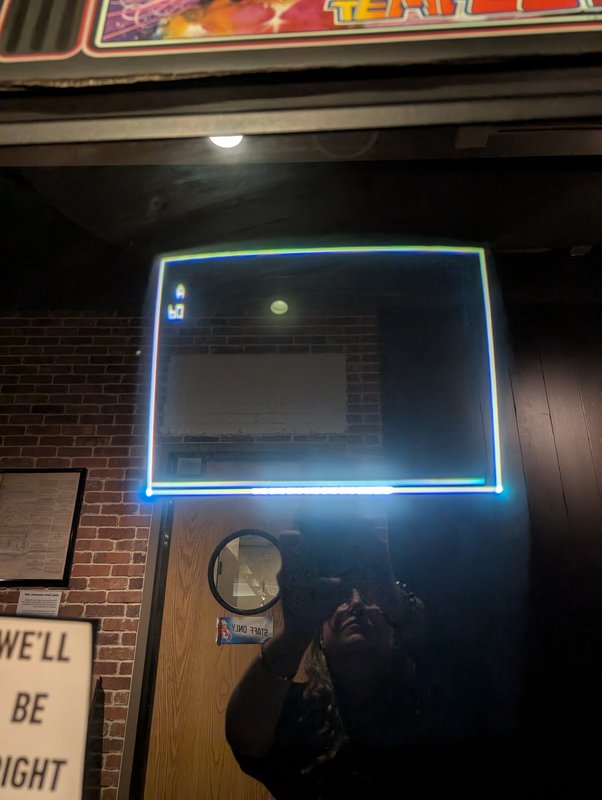
The self test mode is accessible in a switch on the upper right of the inside of the coin door. It draws a white border which can be used to test.
NOTE: the machine has an AC safety interlock on the left side. I don’t see how the cabinet back engages it. The machine stopped working when I removed the back and I needed to tape the interlock to make it work. I took the tape off. The machine has no power. Don’t be alarmed; it’s just that switch.
There’s also a ROM error showing in self test. I opened a new ticket. I’m assuming this is minor and unrelated.
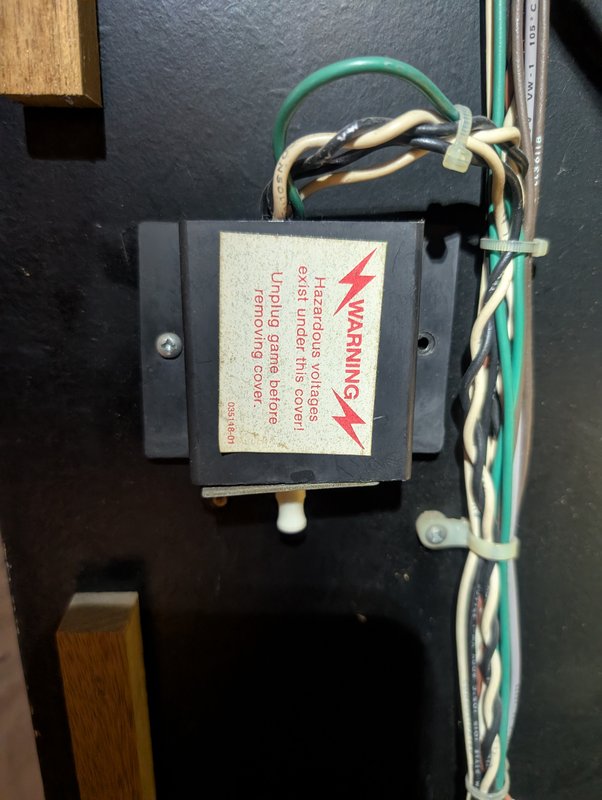
ROM error in Self Test. Code A suggests ROM in P1 on the Analog Vector-Generator PCB. Likely minor / unrelated to #494
Status changed: Good → Broken
Monitor was black. As before, replaced monitor fuse F101. Now the bottom half of the monitor is squished to the middle.
Online discussions suggest a number of possible causes.
Routine: Check/replace lights
Status changed: Broken → Good
Fuse F101 on the monitor board had blown, replaced it and the game is working now
Status changed: Good → Broken
Monitor is black. Machine appears to work otherwise.